
Overview
Export project or location data for backup, external sharing, or migration.
ℹ️ Who can export: Administrators and Project Managers can export projects and locations. Project Supervisors can export assigned locations. Editors and Viewers cannot export.
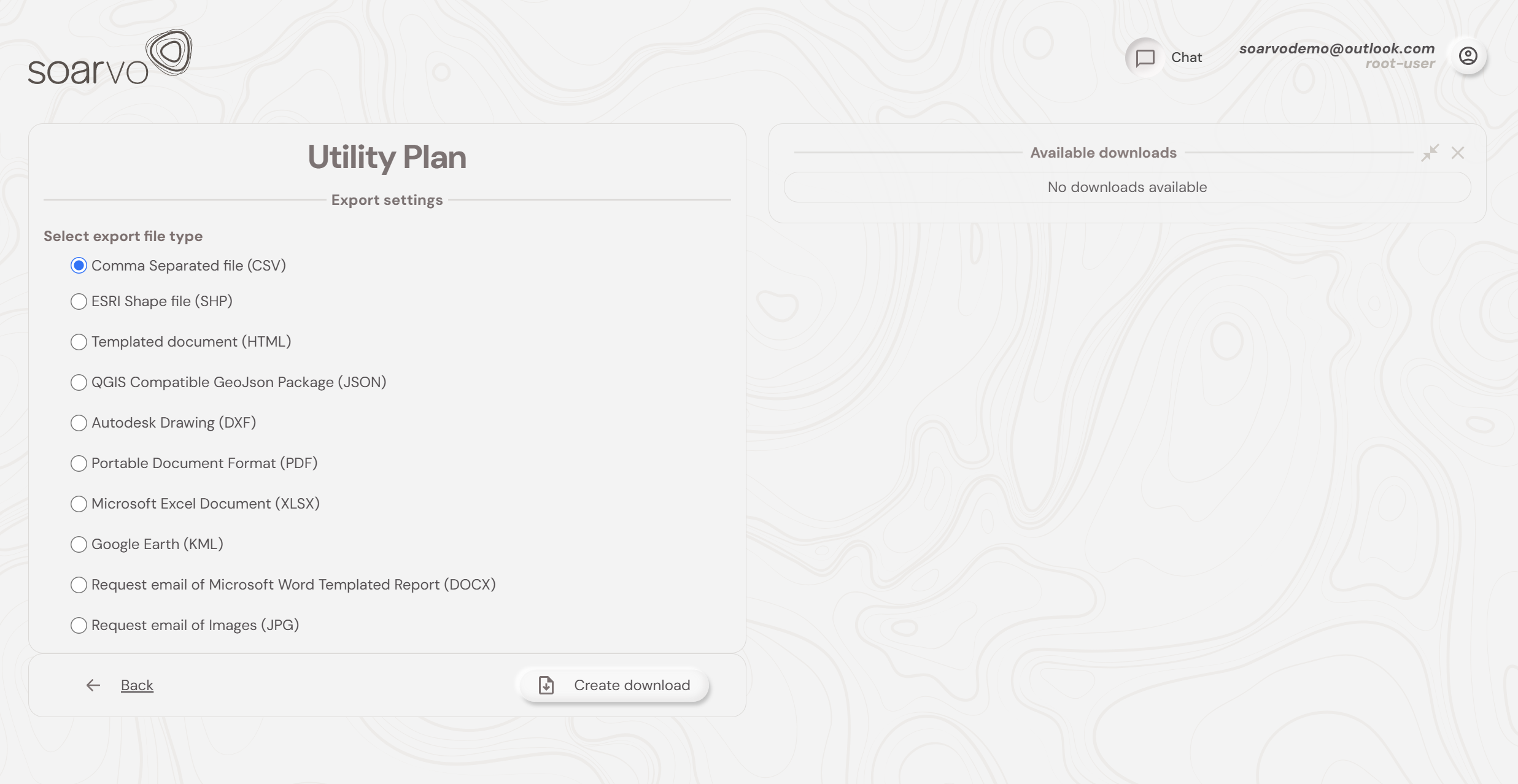
Exporting a Location
- Click ⋮ on the location card and select Export.
- Choose what to include and the format you require then wait for the download.
Exporting Individual Layers
- Open the location in the Data Viewer, click ⋮ next to the layer in the Layers panel, and choose Export or Download if available.
Exporting Project Settings
Downloads the project configuration (name, category, coordinate system, measurement system, metadata) for audit or recreation.
- Click ⋮ on the project card and select Export Project Settings. The file downloads immediately.
What's Next?