
Overview
You can display high resolution drone images by clicking in the corresponding 3D Mesh.
Firstly, load the 3D Mesh, and also the .JPG high resolution images separately in a file called "filename.exif.zip". The image locations will appear on a layer called Soarvo Photo
Turn the High Res Image Viewer on from the Panels Menu
Then click Begin and click a point within the model to display the nearest images located to where you clicked
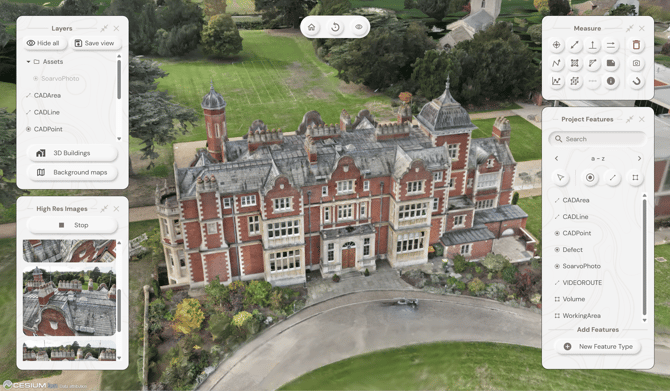
Select the image to view in the High Res Images Panel to view it
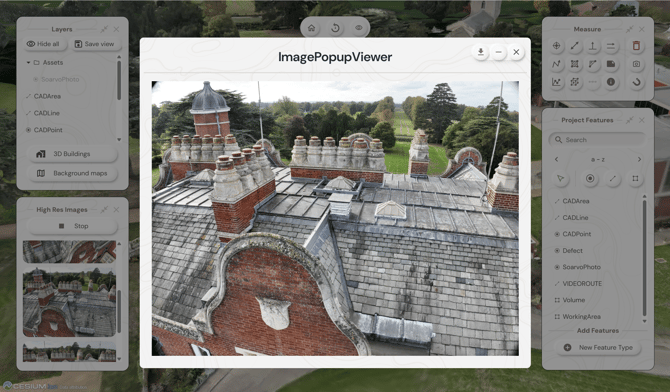
⚠️ Note: The images selected to display are calculated as a straight line from the camera location to where you click in the model. There must be images located within that proximity. If no images appear try moving the camera location and try again.