Overview
Feature labels draw attribute values as text on the map — handy for showing asset IDs, materials, or dimensions at a glance.
Adding a label
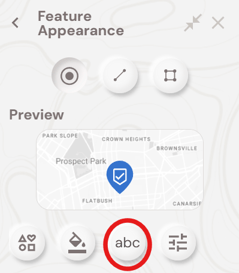
Open Edit geometry type and styling and select the annotation button
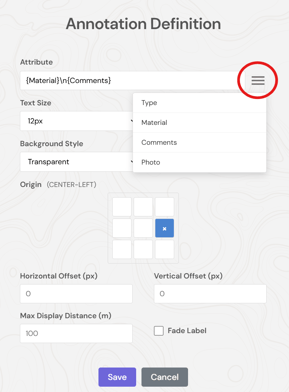
Build the label from attributes you wish to display. Use the menu to display the fields to select from
You can then choose the origin of where you want the label to display in relation to the feature, plus its text size, transparency, and a custom zoom range to display the labels.
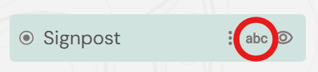
To turn the labels on/off select the labels button in the layers menu