
Overview
Attributes are the data fields attached to a feature type — the form users complete when they capture or edit a feature. Administrators, Project Managers, and Project Supervisors define them. Editors can digitise using Features and Attributes.
Adding attributes
- Click the Attribute button, enter a name, and click the first icon to choose the attribute type:
The description box allows for a more descriptive title rather than a database field
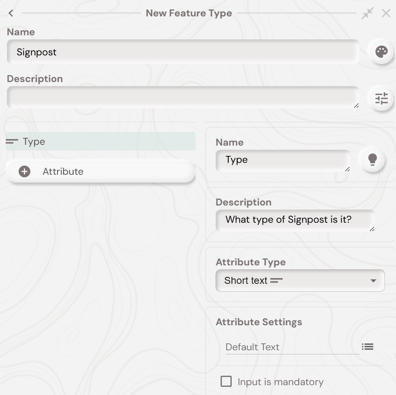
- Choose attribute settings based on the field type and mark the field mandatory if required.
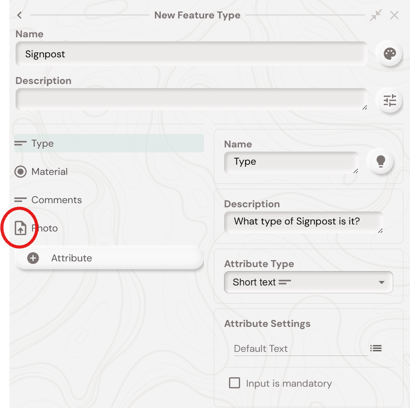
- Drag the icon to reorder attributes.
What's next?