Overview
Soarvo can show you have to navigate to a feature from your current location.
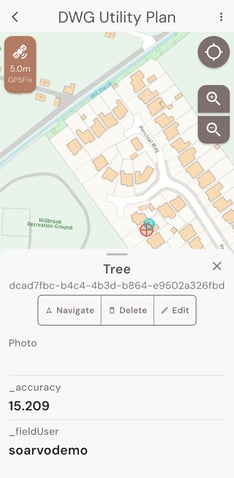
Select the feature and choose the navigate option
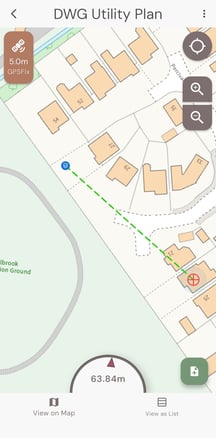
If you are close by it will show your location and the direction to walk, and distance to find the feature. Once located, swipe down on the compass/distance to close.
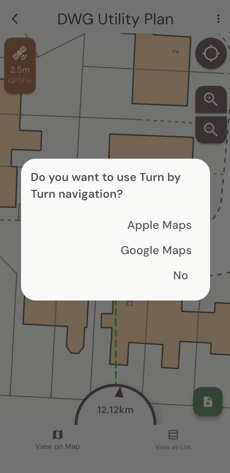
If you are further away the app will give you the option of turn by turn navigation using either Apple or Google Maps
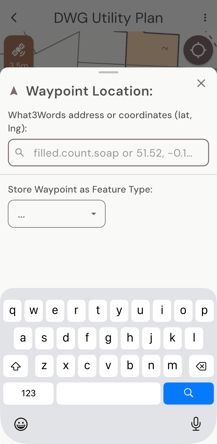
You can also navigate to a waypoint. Click the 3 dots for the menu in the top right hand corner of the screen and select Create Waypoint. You can then create a waypoint from an Address, Co-Ordinate, or What3Words location. You can also save that waypoint as one of the features stored in your library.